
Custom Logo Coffee Sleeves (Drink Cups)

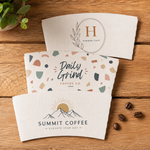
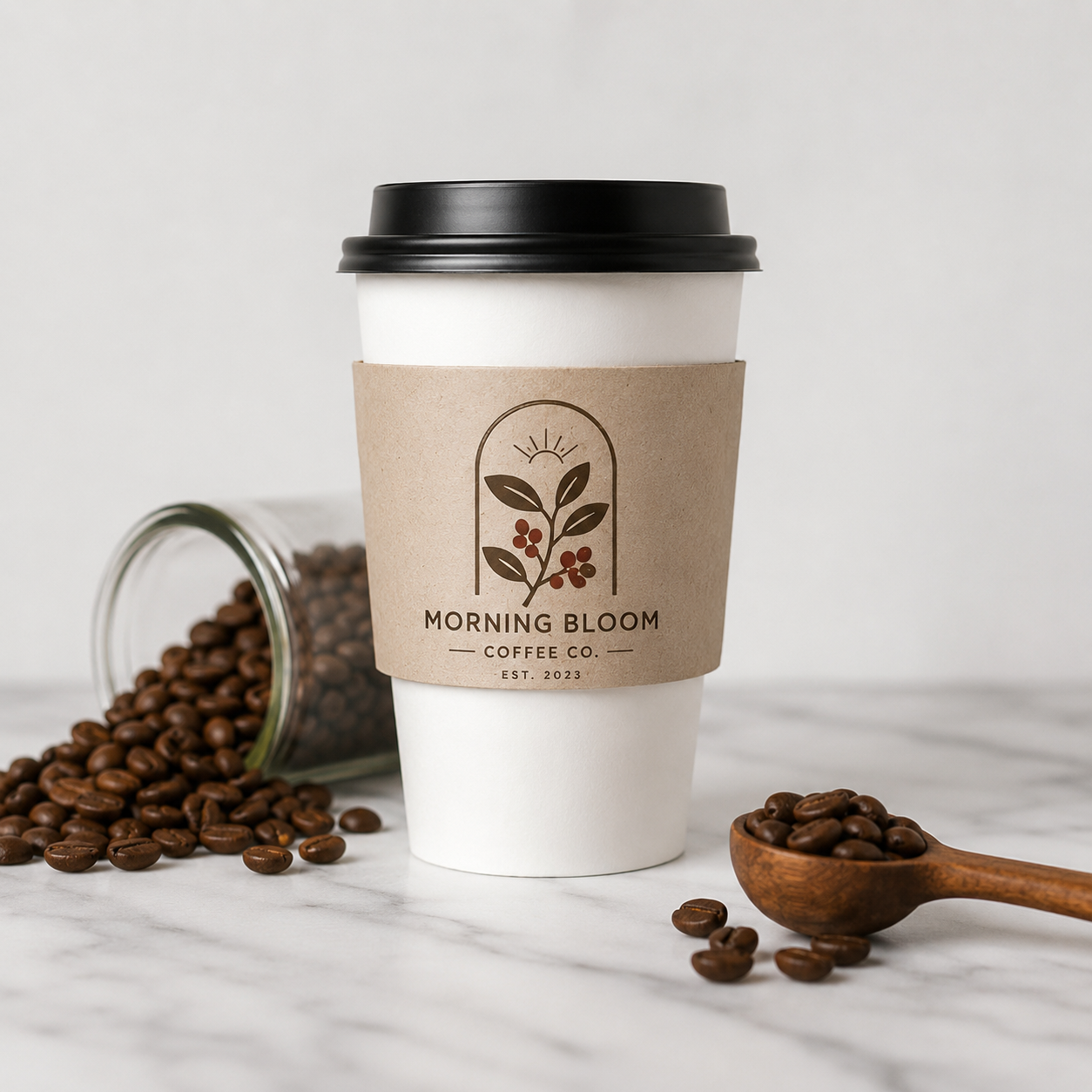
Upload your file & order now
Custom Logo Coffee Sleeves for Professional Brand Presentation
Turn every hot beverage into a branded experience with custom logo coffee sleeves from Light Printing House. Printed with your logo, artwork, colors, or promotional message, these sleeves help cafés, restaurants, bakeries, offices, and events create a polished and memorable presentation.
Custom coffee sleeves provide comfortable heat protection while giving your business valuable visibility with every drink served. Whether you prefer a simple one-color logo or a detailed full-color design, we produce clean, vibrant printing that helps your branding stand out.
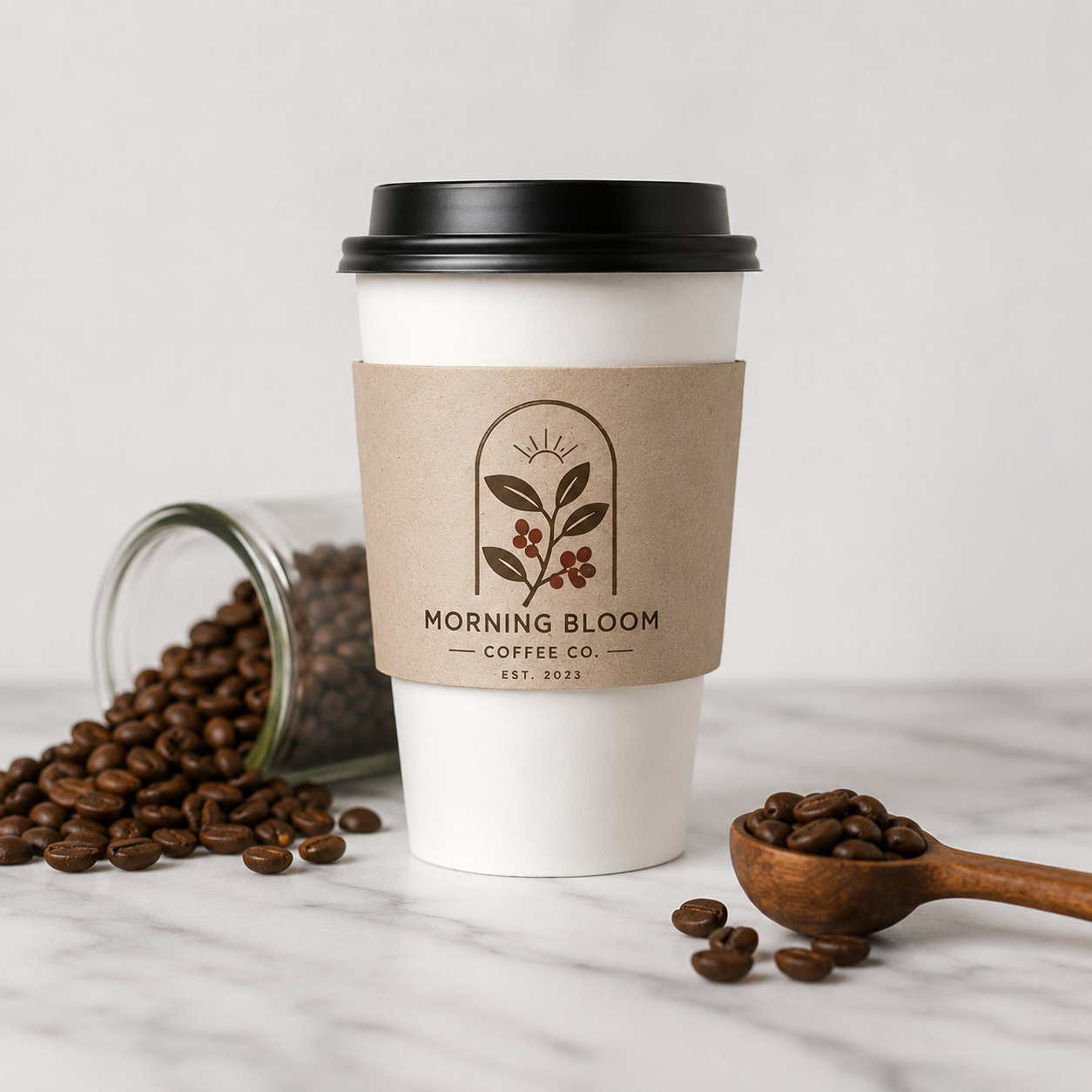
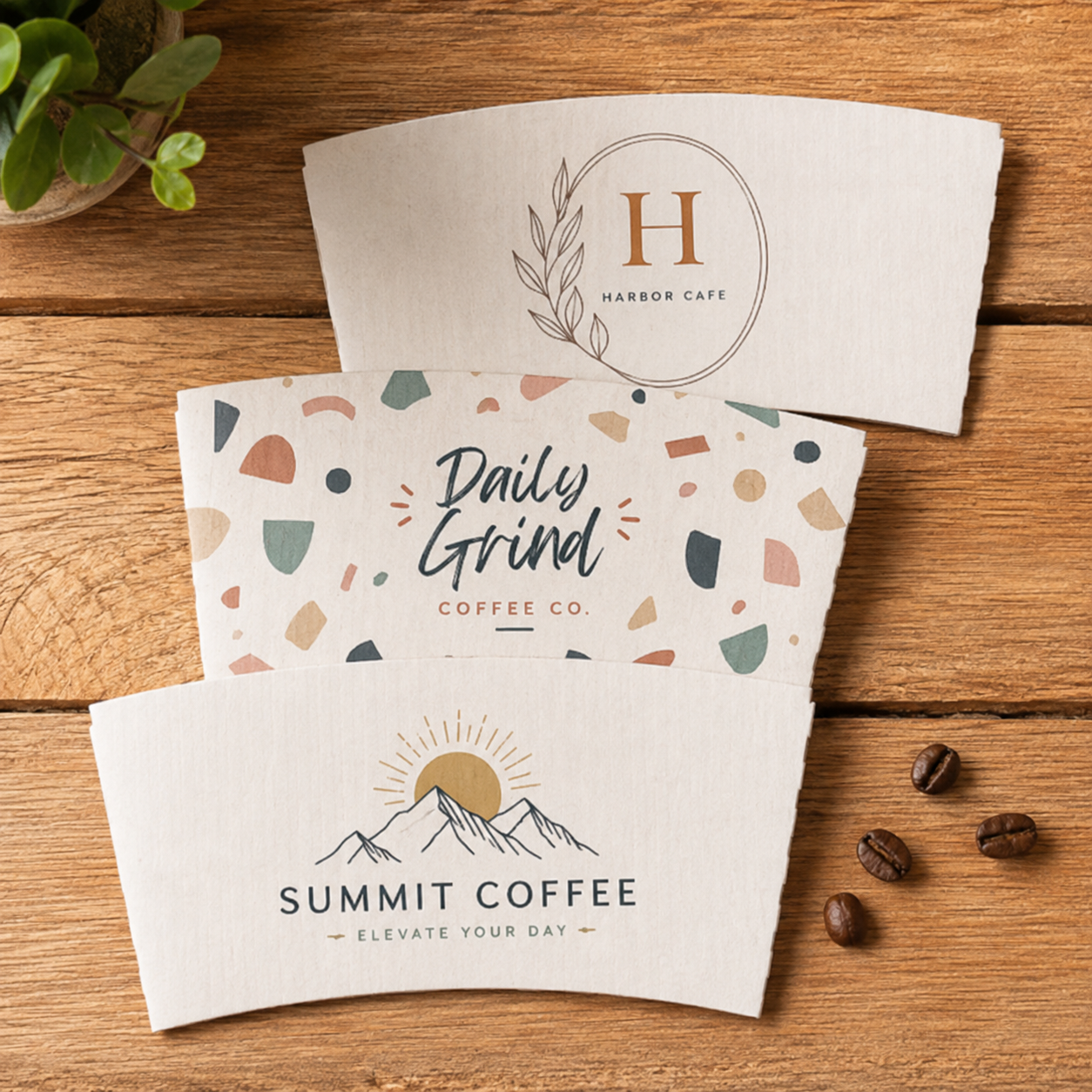
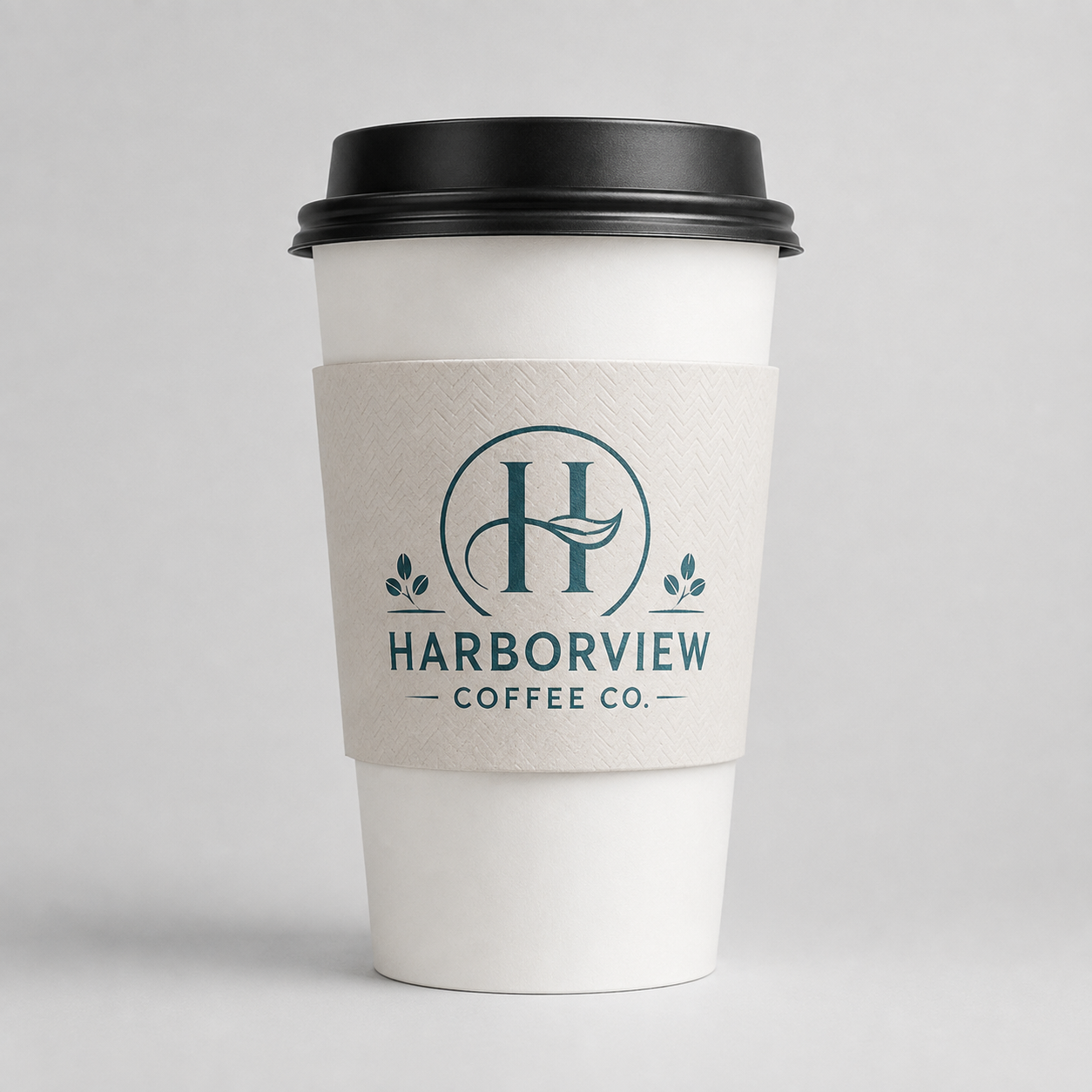
Showcase Your Logo
Print your business logo, café name, artwork, or promotional message directly on the sleeve to create a professional branded appearance with every cup.
Comfortable Heat Protection
Coffee sleeves create a protective layer between the customer’s hand and the hot cup, improving comfort while reducing the need to double-cup beverages.
Perfect for Many Businesses
Custom logo sleeves are ideal for coffee shops, bakeries, restaurants, catering companies, hotels, offices, conferences, weddings, and promotional events.
Can I print my own logo on the coffee sleeves?
Yes. You can upload your logo, custom artwork, business name, promotional design, or other branding elements for printing.
Are custom coffee sleeves available in full color?
Yes. Depending on the selected product specifications, sleeves can be printed with simple logo designs or detailed full-color artwork.
What businesses commonly use branded coffee sleeves?
They are commonly used by coffee shops, cafés, bakeries, restaurants, food trucks, hotels, corporate offices, event planners, and catering companies.
Do coffee sleeves help protect customers from heat?
Yes. The sleeve adds insulation around the cup, making hot beverages more comfortable to hold while offering space for your branding.
C
Related Products


To start, select the product size, preview the design guidelines, download the guidelines for reference, and proceed with the customization options.